
What is /System/Library/AssetsV2 on Mac?
/System/Library/AssetsV2 sits at /System/Library/AssetsV2. macOS uses it for macOS download assets and OS update payloads. On an active Mac it typically holds 2 GB – 30 GB.
- File Location
/System/Library/AssetsV2- What Gets Cleaned
- macOS download assets and OS update payloads
- Space it occupies
- 2 GB – 30 GB
- Comes back by itself
- Not applicable — it stays
The part most guides leave out
It sits on the sealed, read-only system volume: even an administrator gets “Operation not permitted” while SIP is on. On a developer Mac most of its size is iOS Simulator runtimes — that is where the gigabytes really are, and Xcode can remove those.
What happens if you delete it
macOS protects it, and clearing it would not give you the space you are looking for.
What you actually lose: Nothing
See it working
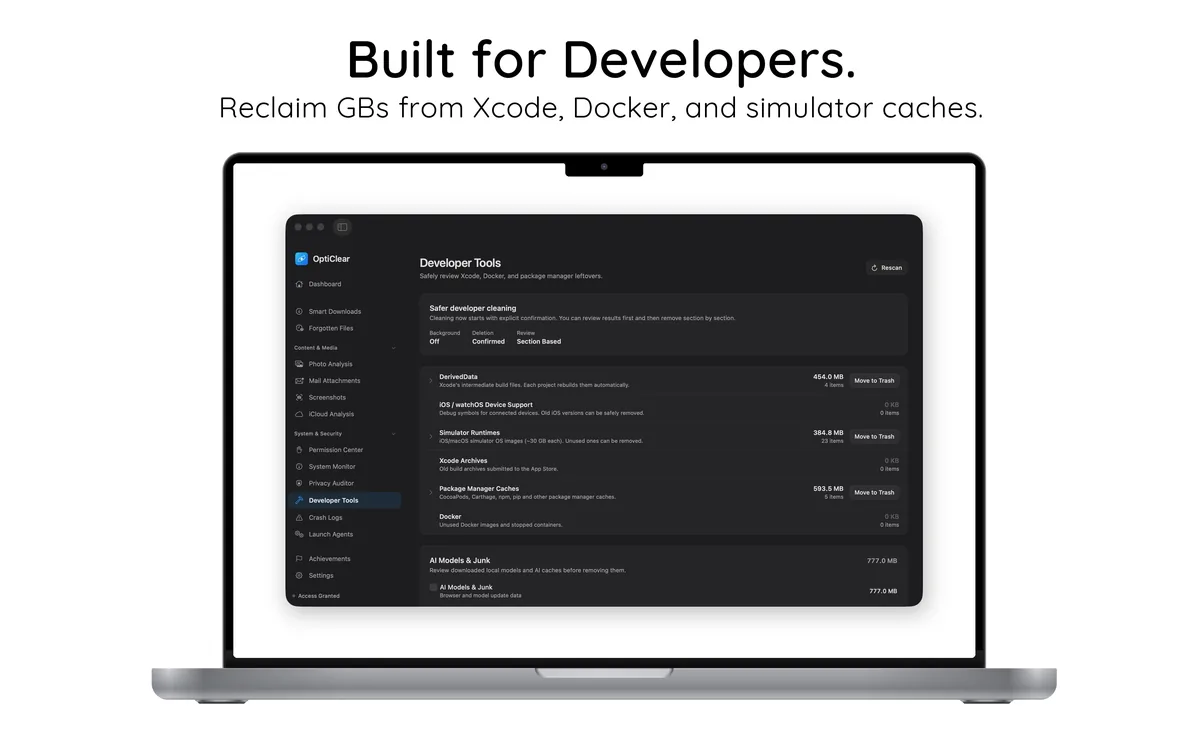
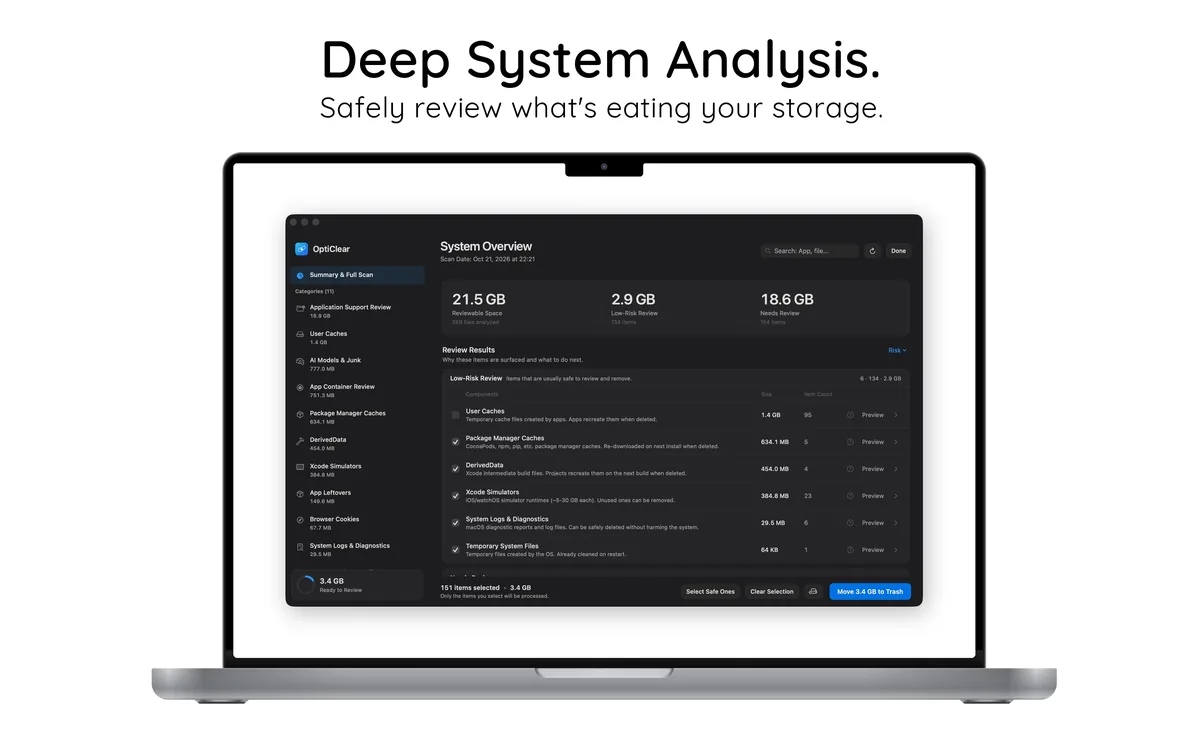
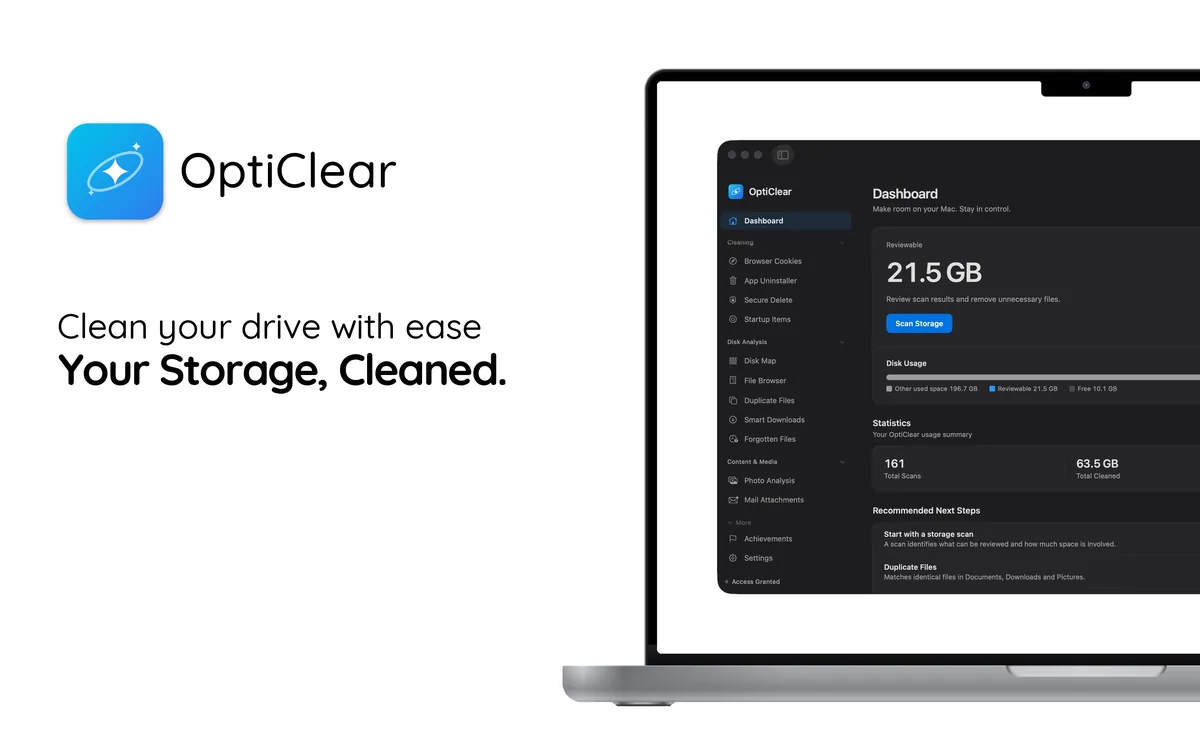
Let OptiClear find these files
Doing this by hand is slow and easy to get wrong. OptiClear scans your Mac, lists every related file with its size, and moves only what you select to the Trash, so you can still restore it. Scanning is free; cleaning requires OptiClear Pro.