
What is .Spotlight-V100 on Mac?
.Spotlight-V100 sits at /System/Volumes/Data/.Spotlight-V100. macOS uses it for Spotlight search index. On an active Mac it typically holds 1 GB – 20 GB.
- File Location
/System/Volumes/Data/.Spotlight-V100- What Gets Cleaned
- Spotlight search index
- Space you get back
- 1 GB – 20 GB
- Comes back by itself
- As Spotlight re-indexes the disk
The part most guides leave out
On current macOS there is no .Spotlight-V100 at the root of your disk. The index for your files lives at /System/Volumes/Data/.Spotlight-V100 and belongs to root, so the Finder cannot touch it. mdutil erases and rebuilds it cleanly; rm does not.
What happens if you delete it
Removing it works, but the right tool is not dragging the folder to the Trash.
What you actually lose: Spotlight results for a few hours
See it working
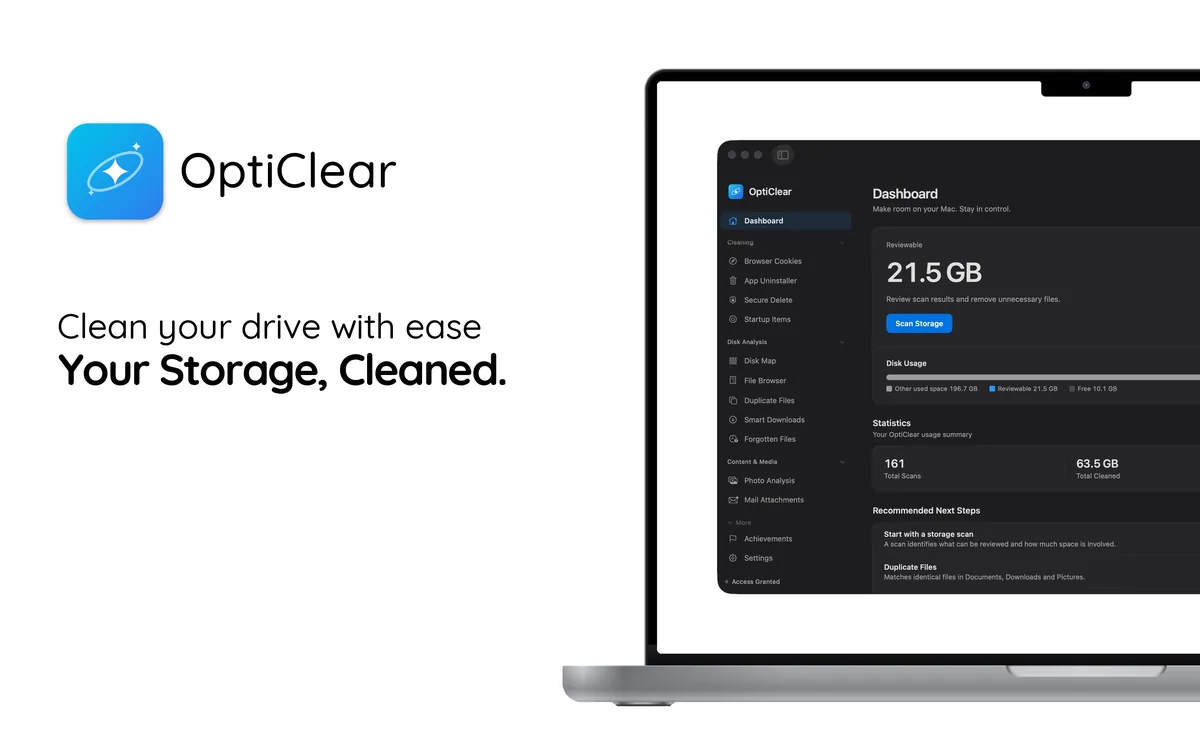
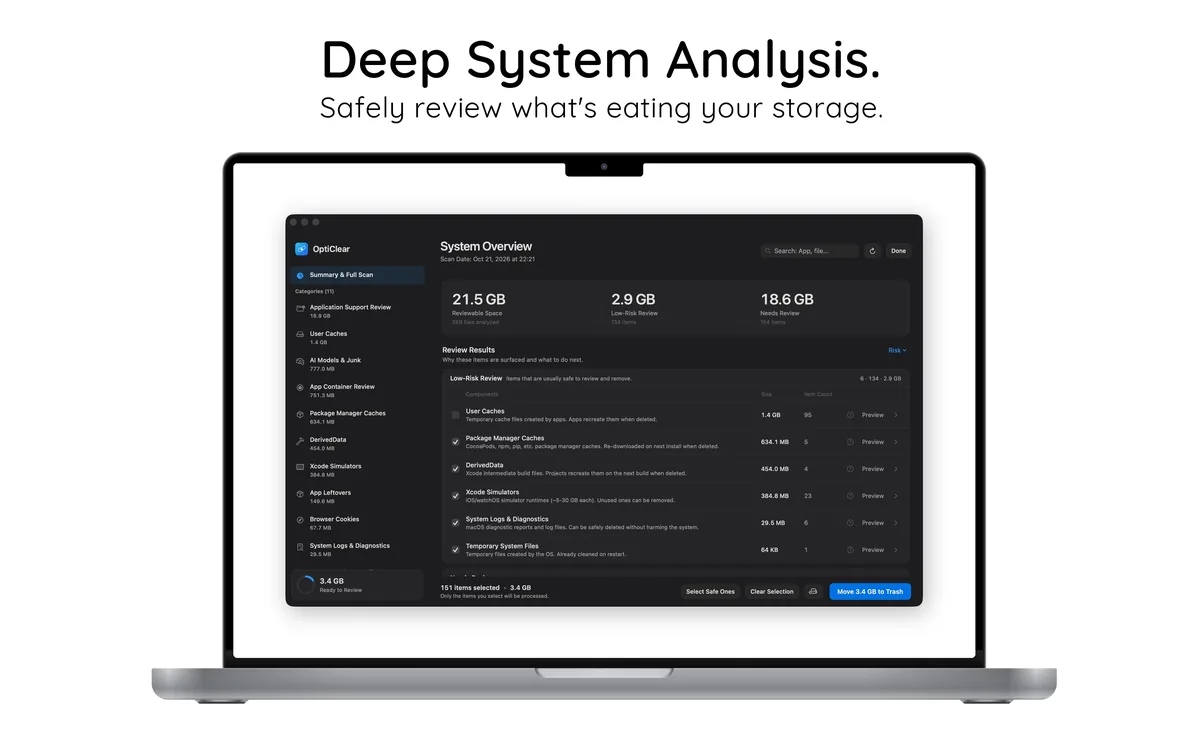

Let OptiClear find these files
Doing this by hand is slow and easy to get wrong. OptiClear scans your Mac, lists every related file with its size, and moves only what you select to the Trash, so you can still restore it. Scanning is free; cleaning requires OptiClear Pro.