
Photo & Design
How to Completely Uninstall Luminar Neo on Mac
To remove Luminar Neo, quit the app and drag it to the Trash. However, this action alone does not remove associated data folders or license information.
Remove Luminar Neo and everything it leaves behind
Luminar Neo data usually takes 1 GB – 20 GB on a Mac. The free scan shows the exact size on your Mac before you change anything.
Free scan · No account · Nothing is deleted without your OK · Moves to the Trash first · macOS 14+
OptiClear is a Mac app. Copy this page's link and open it on your Mac.
Email me the link- Application
- Luminar Neo
- Typical data size
- 1 GB – 20 GB
- Category
- Photo & Design
- File Location
~/Library/Application Support/Skylum
Manual cleanup steps
- Quit the app completely (⌘+Q in the menu bar).
- Move Luminar Neo from the Applications folder to the Trash.
- Remove the folders Luminar Neo left behind, listed in the table below.
- Empty the Trash to free up the space.
Everything Luminar Neo keeps on your Mac
1 locations. Tick each one as you remove it; back up anything marked as your data first.
Locations are the standard macOS folders Luminar Neo uses; some appear only after you use the matching feature.
What Luminar Neo leaves behind
Specific to Luminar Neo
Dragging the app to the Trash preserves your settings, catalog data, and cache in the Library. These files occupy between 1 GB – 20 GB of space. Since the app stores edits in a catalog rather than within the photo files, removing these folders means losing those edits. Your original photos remain untouched in their original folders.
- License
- Licences are linked to a Skylum account.
- Account and sync
- Luminar Neo is activated with a Skylum account.
Preparing to uninstall Luminar Neo
Before removal, ensure you have secured all custom work. Because licenses are linked to a Skylum account, sign out within the app to deactivate the current session. To access the hidden system folders later, use Finder > Go > Go to Folder and enter ~/Library/Application Support/Skylum.
0 of 4 done
By hand or with OptiClear
| By hand | With OptiClear | |
|---|---|---|
| File sizes | You look them up yourself | Shown for every item |
| Removing the wrong thing | Easy to delete the wrong folder | Goes to the Trash first, so it can be restored |
| Cost | Free | Scan is free; cleaning needs Pro (yearly plan has a 7-day free trial) |
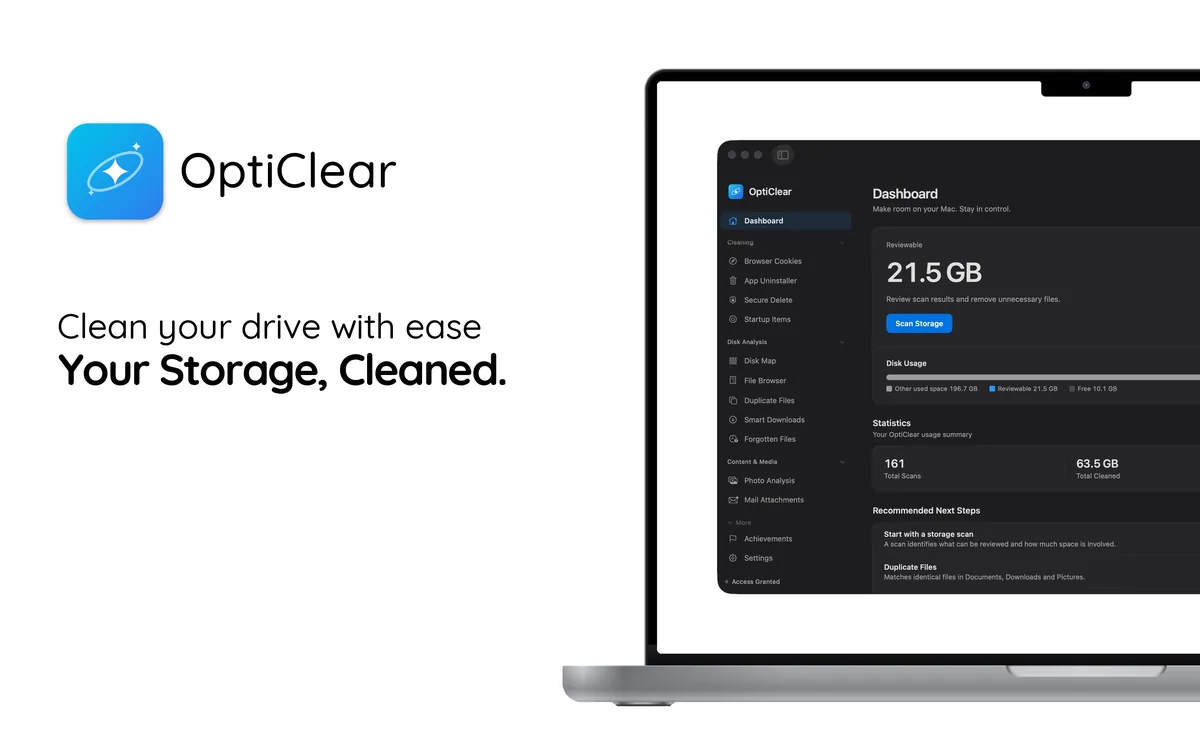
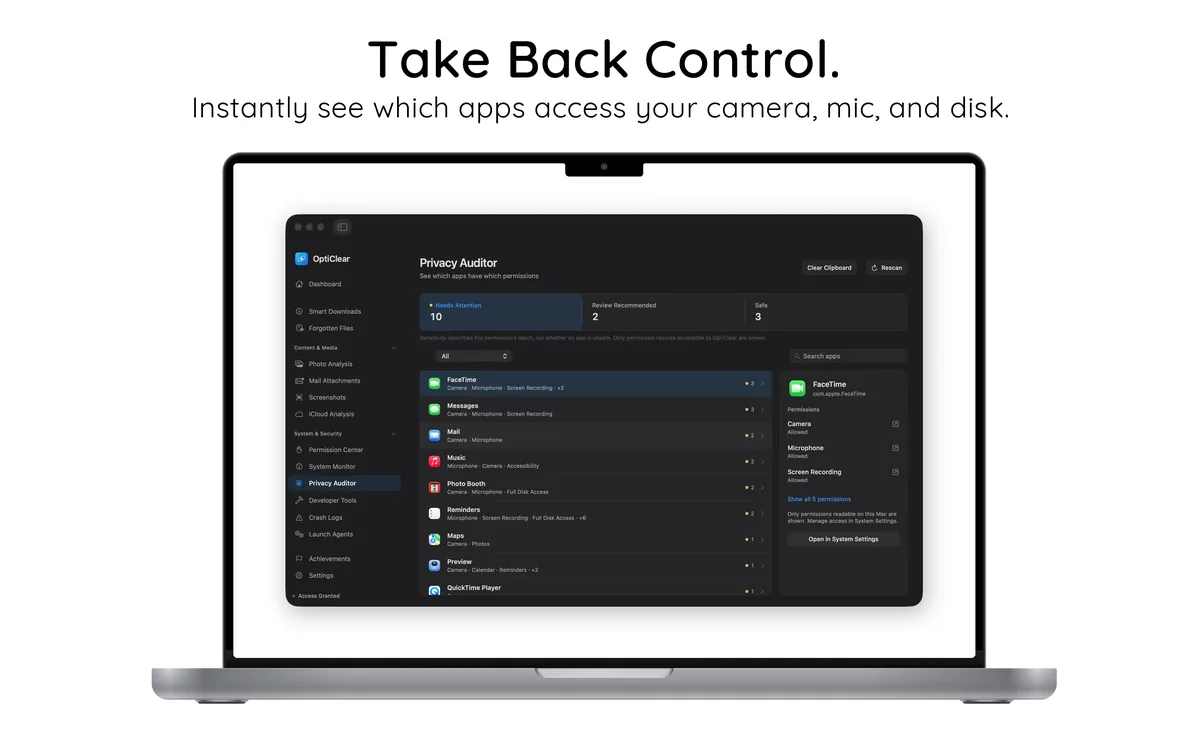
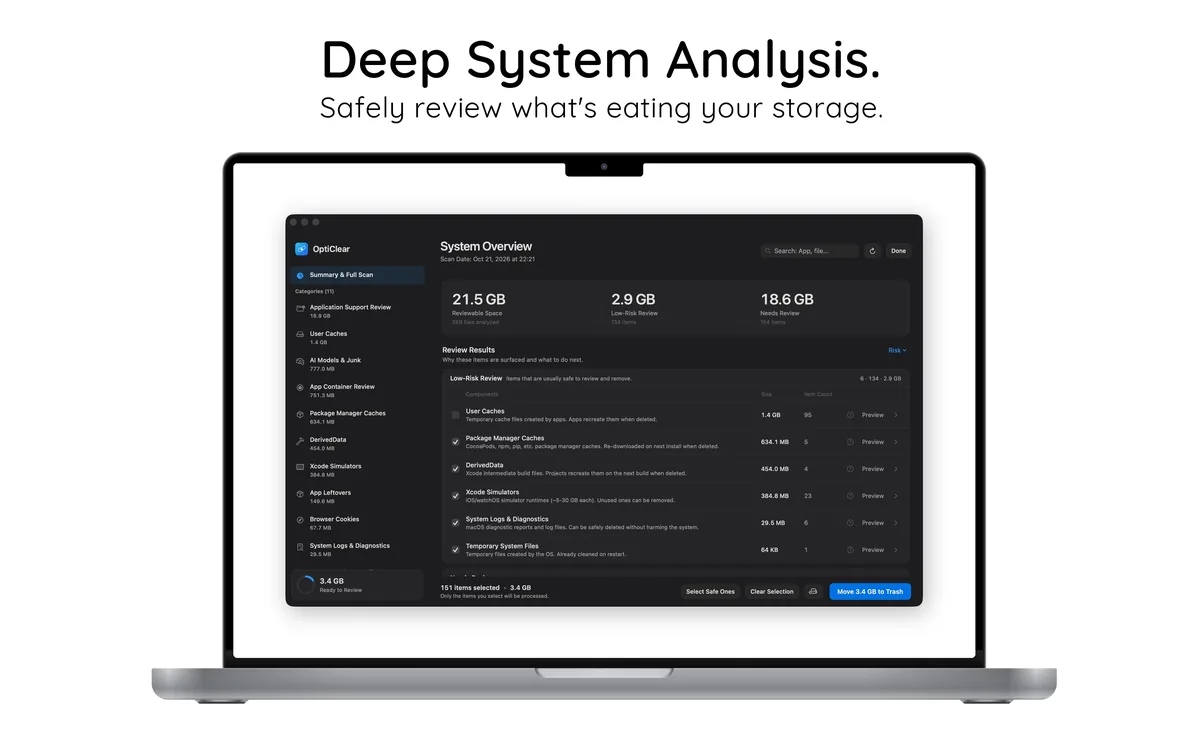
See it working
Try it without risk
- Download and scan for freeSee every Luminar Neo file and its size. No account needed.
- Clean free for 7 daysStart the 7-day free trial of the yearly plan inside the app.
- Keep it or cancelCancel in your App Store settings at least 24 hours before the trial ends and you won't be charged.
After the free trial, Pro costs $39.99 per year in your country's App Store; cancel any time.