
Tasks & Calendar
How to Completely Uninstall Things 3 on Mac
To uninstall Things 3 completely, you must remove both the application and its associated library folders. Dragging the app to the Trash alone leaves your task database and settings on your Mac.
Remove Things 3 and everything it leaves behind
Things 3 data usually takes 100 MB – 1 GB on a Mac. The free scan shows the exact size on your Mac before you change anything.
Free scan · No account · Nothing is deleted without your OK · Moves to the Trash first · macOS 14+
OptiClear is a Mac app. Copy this page's link and open it on your Mac.
Email me the link- Application
- Things 3
- Typical data size
- 100 MB – 1 GB
- Category
- Tasks & Calendar
- File Location
~/Library/Containers/com.culturedcode.ThingsMac
Manual cleanup steps
- Quit the app completely (⌘+Q in the menu bar).
- Move Things 3 from the Applications folder to the Trash.
- Remove the folders Things 3 left behind, listed in the table below.
- Empty the Trash to free up the space.
Everything Things 3 keeps on your Mac
3 locations. Tick each one as you remove it; back up anything marked as your data first.
Locations are the standard macOS folders Things 3 uses; some appear only after you use the matching feature.
What happens when you remove Things 3
Specific to Things 3
Moving the app to the Trash does not delete your personal documents or system folders. Because the app stores the task database in a Group Container separate from the main app container, your data remains even if the application is gone. These leftover files typically occupy 100 MB – 1 GB of space.
- License
- Things is a one-time App Store purchase per platform and can be reinstalled from the same Apple Account.
- Account and sync
- Things syncs through a free Things Cloud account; without it tasks exist only on this Mac.
Preparing to uninstall Things 3
Ensure your data is secure before deleting folders, as these actions are permanent once the Trash is emptied. Since the app uses a free Things Cloud account for synchronization, verify your tasks are visible on another device. If you do not use this service, your tasks exist only on this Mac.
0 of 4 done
By hand or with OptiClear
| By hand | With OptiClear | |
|---|---|---|
| Places to check | 3 folders, one by one | One scan |
| File sizes | You look them up yourself | Shown for every item |
| Removing the wrong thing | Easy to delete the wrong folder | Goes to the Trash first, so it can be restored |
| Cost | Free | Scan is free; cleaning needs Pro (yearly plan has a 7-day free trial) |
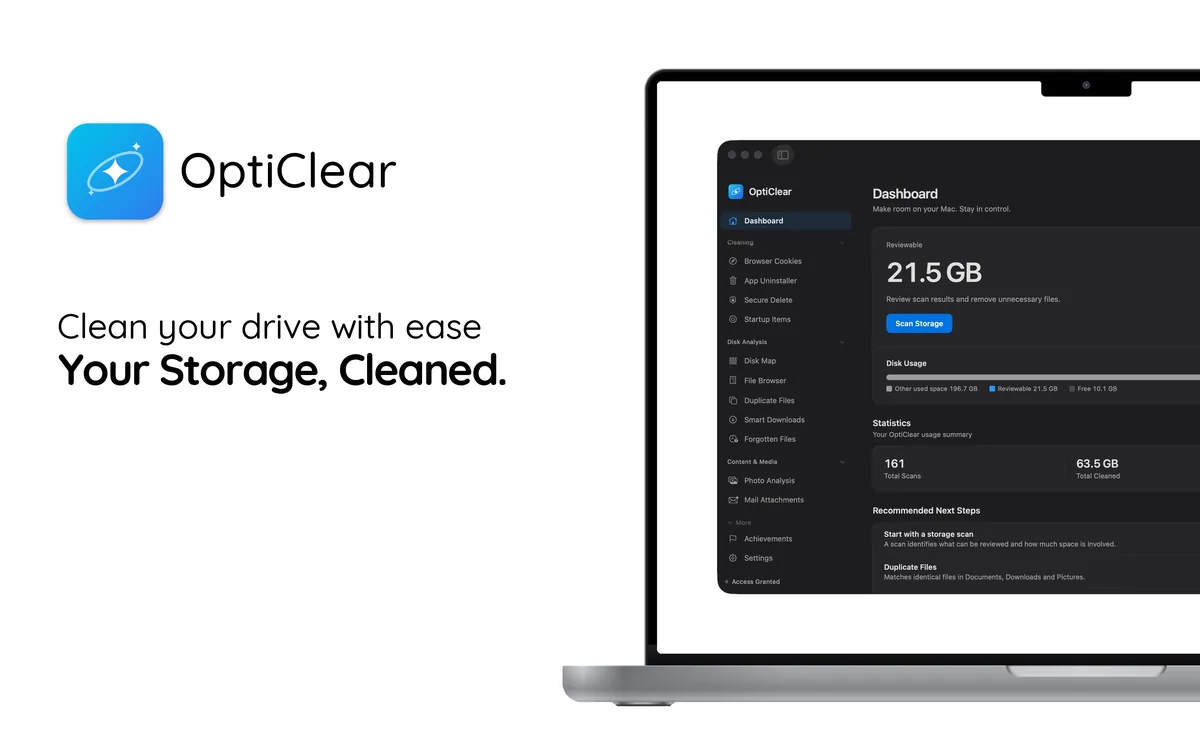
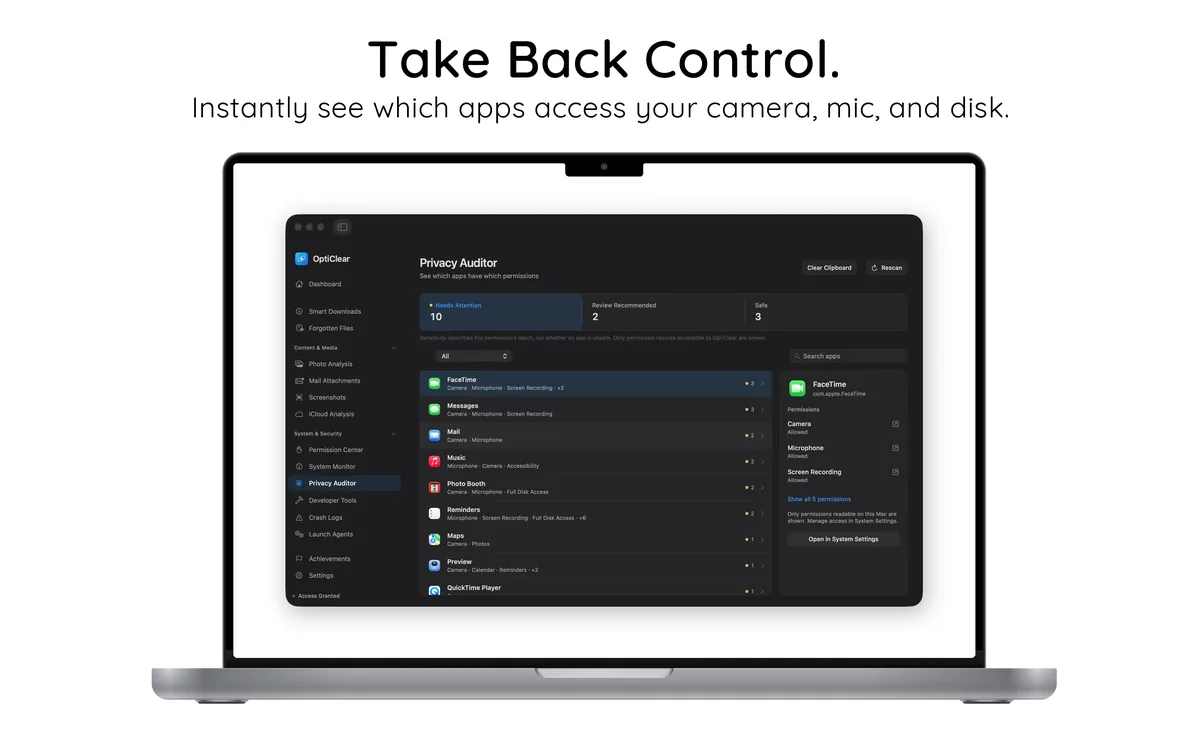
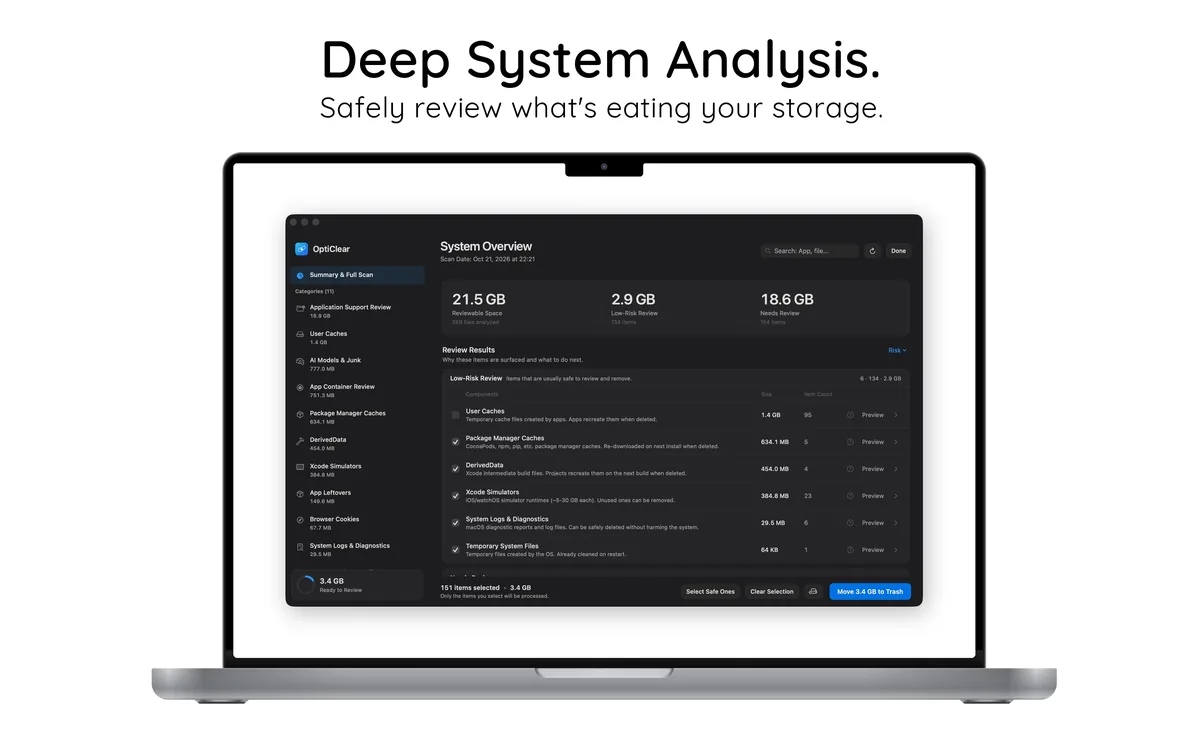
See it working
Try it without risk
- Download and scan for freeSee every Things 3 file and its size. No account needed.
- Clean free for 7 daysStart the 7-day free trial of the yearly plan inside the app.
- Keep it or cancelCancel in your App Store settings at least 24 hours before the trial ends and you won't be charged.
After the free trial, Pro costs $39.99 per year in your country's App Store; cancel any time.